






 January 24, 2024
 2 min reading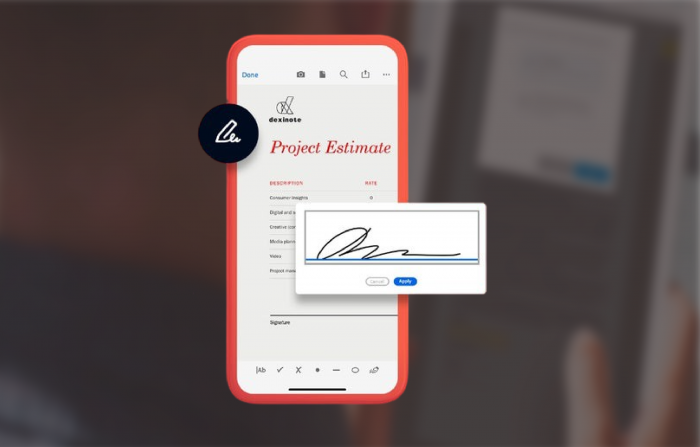


Adobe Acrobat Pro DC It is a powerful tool that allows users to create, edit, view and share PDF documents. O Acrobat Pro DC allows you to work with PDF documents at any time, in any place and on any device.
EITHER Adobe Cloud File Sync Allows you to keep your PDF documents up to date on all your devices. This means that you can start working on a document on your computer and continue working on your tablet or smartphone. You can also share your PDF document with other people so that they can see any possible changes.
To sync PDF documents with Acrobat Pro DC, follow these steps:
- Open the Acrobat Pro DC application on your device.
- Click on File > Save.
- Please login in your Adobe account.
- Select the documents to be saved in the Adobe Cloud.
- Click Save.
To exemplify a real scenario:
Imagine that you are working on an important story at work. You begin to write a report on your computer, but you must participate in a meeting. Acrobat Pro allows you to continue working on reports without your tablet during meetings.
After the meeting, you will be able to access the report on your smartphone and make final alterations before sending it to your Manager. See how to do this action in a simple way:
- Open the Acrobat Pro DC application on your computer.
- Click File > Synchronize.
- Please login in your Adobe account.
- Select the reports to Save in the Adobe Cloud.
- Click Save.
You will be able to open the report on your tablet or smartphone. Make the desired changes and click Save. The alterations will be synchronized with your hardware on your Desktop or access via Web if preferred.
We are a Software.com.br, Official Representative Adoband Not Brazil and also a reference in technology solutions for the corporate world in Latin America. Count on our consultants specialized in Software Licensing, Cybersecurity, DevOps, Infrastructure and Data Analytics.
See more about Adobe on our site: Software.com.br